
We Offer Wide Range of UI/UX Design Services
Our offerings encompass a wide range of UI/UX Design Services in various framework and libraries.
Figma
Figma is a web-based collaborative interface design tool used for creating user interfaces, websites, and app prototypes.
It allows multiple designers to work simultaneously on the same project in real-time, offering features like prototyping, vector graphics editing, and extensive plugin support.
Figma is popular for its ease of use, cloud-based accessibility, and efficient workflow for UI/UX design teams.
Bootstrap
Bootstrap is a front-end framework used for developing responsive and mobile-first websites.
It provides a collection of pre-built HTML, CSS, and JavaScript components that simplify the process of creating consistent layouts and designs across various devices and screen sizes.
Bootstrap is known for its ease of use, robust grid system, and extensive library of customizable components, making it a popular choice among developers for building modern web interfaces efficiently.
Material UI
Material UI is a React UI framework that implements Google’s Material Design principles.
It provides a set of customizable and ready-to-use React components for building responsive and aesthetically pleasing user interfaces.
Material UI is known for its ease of integration with React applications, comprehensive theming support, accessibility features, and responsive design capabilities.
User Research
User research is a systematic process of gathering and analyzing information about the target users of a product or service to understand their behaviors, needs, motivations, and preferences. It involves various methods such as interviews, surveys, observations, and usability testing to get valuable insights. The goal of user research is to create user-centered solutions that improve usability, satisfaction, and overall user experience.
Wireframing and Prototyping
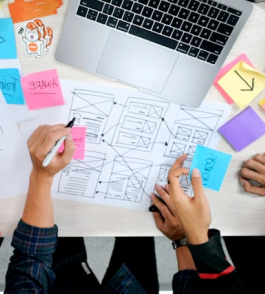
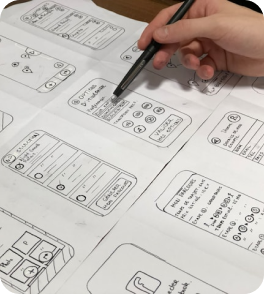
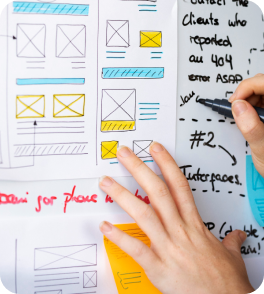
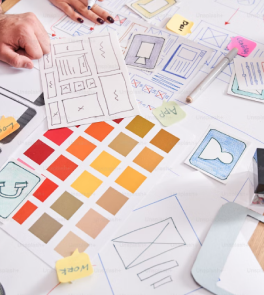
Wireframing is the initial stage of design where low-fidelity layouts of a digital interface are created. These wireframes outline the structure and functionality of the product.
Prototyping involves creating interactive and more detailed representations of the product. These prototypes simulate the user experience more closely, allowing for testing and validation of design concepts and functionalities.
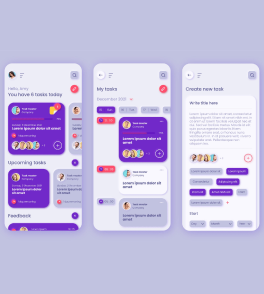
Mobile App Design
Mobile app design refers to the process of creating the visual and functional aspects of a mobile application, tailored specifically for smartphones, tablets, or other handheld devices. It involves a combination of user interface (UI) design and user experience (UX) design principles to ensure the app is intuitive, aesthetically pleasing, and functional for its intended users.
Let's pool our skills to make something truly outstanding
Please feel free to book your free consultation now
Key Benefits of UI/UX Design in today’s technology driven world.
Increased Conversions and ROI
Well-designed interfaces don’t just feel good, they convert. By guiding users through purchase journeys or desired actions, UI/UX design boosts conversions, translating into higher sales and a better return on investment (ROI) for your business.
Competitive Advantage in a Crowded Market
The digital space is booming with options. A user-friendly interface with a clear value proposition sets you apart. By prioritizing UI/UX Design, you create a product that stands out, attracting and retaining users in a competitive market.
Improved Efficiency and Reduced Costs
Good UI/UX design anticipates user needs, minimizing the need for customer support. This translates to operational efficiency and cost savings for your business. Additionally, by identifying usability issues early, you streamline development processes, saving time and resources.
SEO Optimization and User Engagement
Search engines favor websites with good UX. Users who find a site easy to navigate tend to stay longer and engage with more content. This positive user behavior is a signal to search engines, potentially boosting your website’s ranking.
Improved Data Collection and User Insights
Well-designed interfaces can encourage user engagement and provide valuable data on user behavior. This data can be used to further refine the UI/UX and personalize the user experience.
Development Process to Design Web Solution
Systematic approach used to create software solutions, encompassing various stages from planning to deployment.
STEP 1

STEP 2
STEP 3

STEP 4
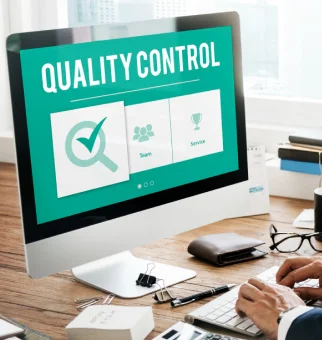
STEP 5
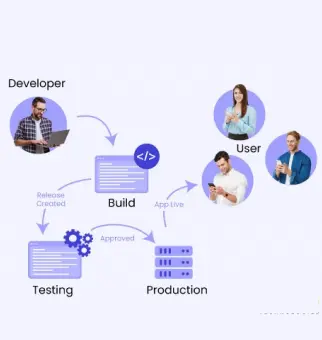
STEP 6

Throughout the development process, collaboration among team members, adherence to coding standards, and use of project management methodologies are crucial for success. Additionally, continuous feedback and iteration help to refine the software and meet user needs effectively.
Technology Stack
Handful experience in various technologies and we keep ourself abreast with latest

Angular

VueJS

ReactJS

NextJS

ViteJS

PHP

JavaScript

jQuery

Laravel

WordPress

Shopify

Woo Commerce

NodeJS

.NET

MySQL

MsSQL

PostgreSQL

MongoDB

Figma

BootStrap

Material UI

Amazon Web Service

Azure Active Directory

DigitalOcean

Other UI/UX Design Solutions We Provide
Discover our wide range of offerings related to UI/UX design solutions, which includes innovative interface design, user experience strategies, and comprehensive support services. We deliver custom solutions to elevate your digital presence and maximize user engagement.
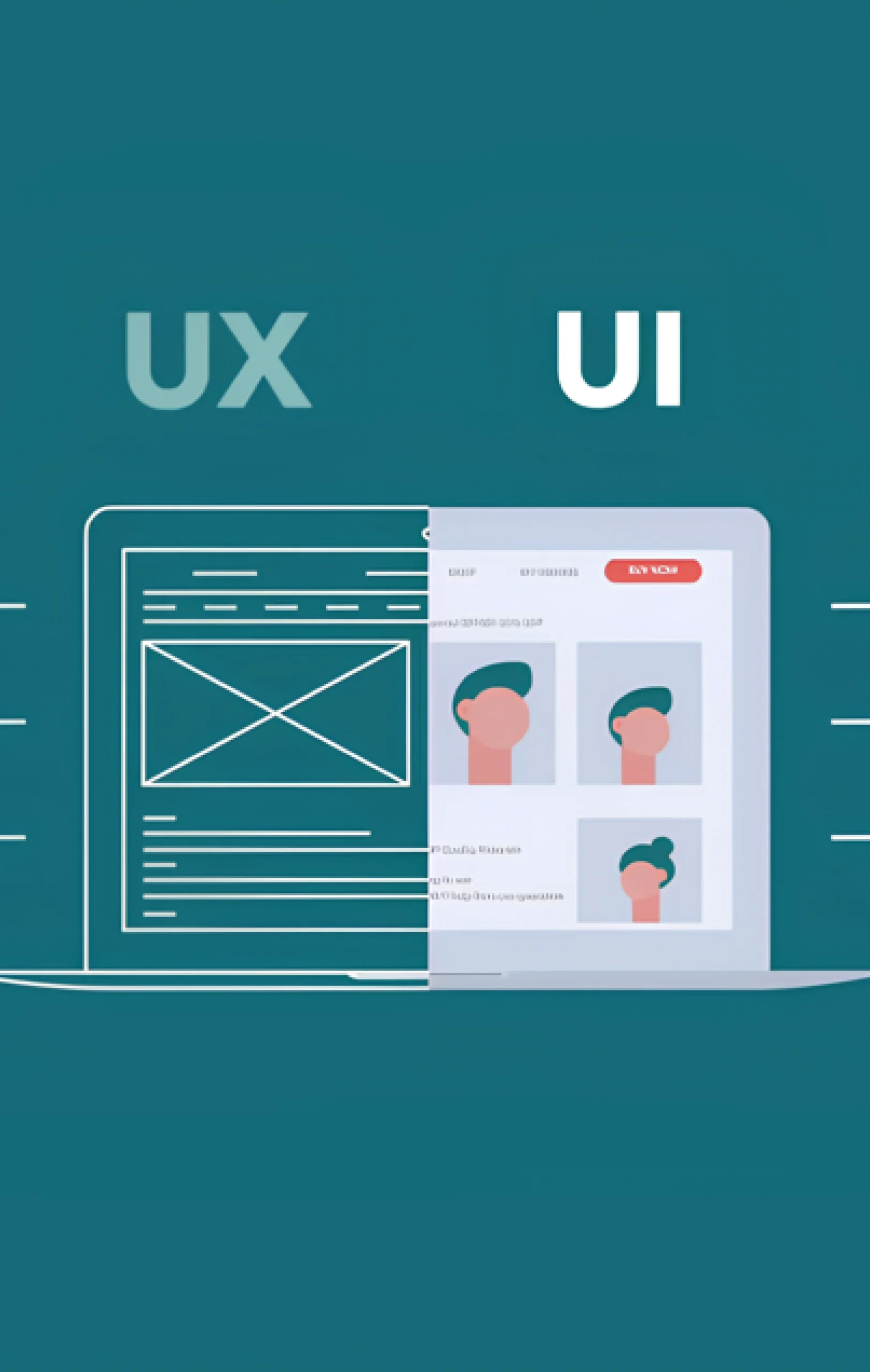
Brevity specializes in Figma, a leading collaborative interface design tool, known for its versatility and real-time collaboration features.
Key Features:
- Real-time collaboration: Multiple users can work simultaneously on the same file.
- Cloud-based: Designs are stored in the cloud, accessible from anywhere.
- Prototyping: Allows for interactive and clickable prototypes.
- Vector graphics editing: Powerful tools for creating and editing vector graphics.
- Plugins and integrations: Extensive library of plugins to enhance functionality.
Brevity excels in Bootstrap, a front-end framework for building responsive and mobile-first websites quickly and efficiently.
Key Features:
- Responsive grid system: Easily create layouts that adapt to different screen sizes.
- Pre-styled components: Includes buttons, forms, navigation bars, etc., for consistent design.
- Customizable: Allows customization through variables and mixins.
- Browser compatibility: Ensures compatibility with major browsers.
Brevity offers expertise in Material UI, a popular React component library implementing Google’s Material Design principles.
Key Features:
- React components: Ready-to-use components following Material Design guidelines.
- Theming support: Easily customize the look and feel with themes and styling options.
- Accessibility-ready: Built-in accessibility features for a better user experience.
- Integration with React ecosystem: Smooth integration with React and other libraries.
- Responsive design: Components designed to work well across different devices and screen sizes.
Brevity specializes in conducting comprehensive user research to understand target audiences and inform design decisions.
- User interviews and surveys
- Persona creation
- Usability testing
- Competitive analysis
- Data analysis and reporting
Brevity provides expert UX strategy and consultation to align design solutions with business goals and user needs.
- UX audits and assessments
- Roadmap creation
- Stakeholder workshops
- User journey mapping
- KPI identification and tracking
Brevity excels in creating detailed wireframes and interactive prototypes to visualize and test design concepts.
- Low-fidelity wireframes
- High-fidelity prototypes
- Interactive user flows
- Clickable prototypes
- Iterative testing and feedback incorporation
Brevity offers top-notch visual design services to create aesthetically pleasing and functional user interfaces.
- Branding and identity design
- Color schemes and typography
- Iconography and imagery
- Design systems and style guides
- Responsive design for various devices
Brevity conducts thorough usability testing to identify and resolve user experience issues.
- Test planning and scenario creation
- Recruitment of test participants
- Moderated and unmoderated testing
- Data collection and analysis
- Reporting and recommendations
Brevity offers specialized design services for mobile applications to ensure a user-friendly experience.
- iOS and Android design guidelines
- Mobile-first design approach
- Touch interface optimization
- Performance and loading considerations
Best Practices Employed by Brevity
How does Brevity assist its customers in developing top-notch software solutions?
1
Comprehensive understanding of requirements
Brevity collaborates with various stakeholders to gather all necessary information. We conduct extensive research on clients' needs, constraints, objectives, and challenges.
2
Thorough documentation through various phases
Documentation ensures clarity, consistency, and accountability throughout the project lifecycle, facilitating effective communication, collaboration, and decision-making among project stakeholders
3
Best User Experience/User Interface Practice
Brevity's innovative UX/UI team stays abreast of the latest design trends and platforms to achieve intuitive, visually appealing, and optimized user engagement.
4
Effective Coding Standard Practice
Developers at Brevity adhere to the best coding standard practices to ensure the creation of clean, maintainable, and efficient code. This commitment enhances code quality, readability, and fosters collaboration among team members.
5
Structured Process
Throughout the project, effective communication, collaboration, and stakeholder engagement are crucial, alongside flexibility and adaptability to handle changes. Brevity manages this complexity with a streamlined and structured approach.
6
Quality Assurance
Utilizing both manual and automated testing is best practice for maintaining project quality assurance. This strategy ensures product quality, enhances performance, and contributes to the project's long-term success.
7
Maintenance & Support
Despite meticulous coding and quality assurance, real-time implementation often reveals corner cases involving infrastructure, data, or business rules. We prioritize swift post-launch support to efficiently address any such issues.
8
Transparency
Transparency is pivotal for strong relationships. Brevity emphasizes clear communication, transparent terms, managing expectations, regular updates, comprehensive documentation, feedback, and confidentiality to achieve this aspect.
9
Maintaining Client Retention
Clients are invaluable assets, and retaining them is crucial. Brevity maintains a remarkably high client retention ratio by consistently meeting their needs and keeping them informed about relevant industry technology trends.

-
F
-
A
-
Q
UI/UX Design stands for User Interface/User Experience design. It's the process of designing and developing interfaces for websites and applications that are both visually appealing (UI) and easy to use (UX).
A well-designed UI/UX can improve user engagement, increase conversions, and build brand loyalty.
Brevity offers a wide range of UI/UX design services, including:
- User research and analysis
- Information architecture development
- Wireframing and prototyping
- Visual design
- Usability testing
Our skilled team of designers utilize a variety of industry-standard UI/UX design tools to deliver high-quality results. This include tools for:
User Research: User testing platforms, survey tools
Wireframing and Prototyping: Figma, Sketch, Adobe XD
Visual Design: Adobe Photoshop, Illustrator
Project Management: Asana, Trello
We select the most appropriate tools based on project needs and client preferences.
Contact us today to schedule a free consultation. We'd be happy to discuss your project needs and see if we're a good fit for you.
Want to Scale
Your Business? Let’s Meet & Discuss!

CANADA
30 Eglinton Ave W Mississauga, Ontario L5R 3E7

INDIA
3rd floor Purusharth Plaza, Amin Marg, Rajkot, Gujarat. 360002
Get a Quote Now
Let's delve into a thorough understanding of your challenges and explore potential solutions together